3.0
ParkAppsHub score

Best for: Drivers in North American cities that use Passport as their official street parking and curb-management vendor
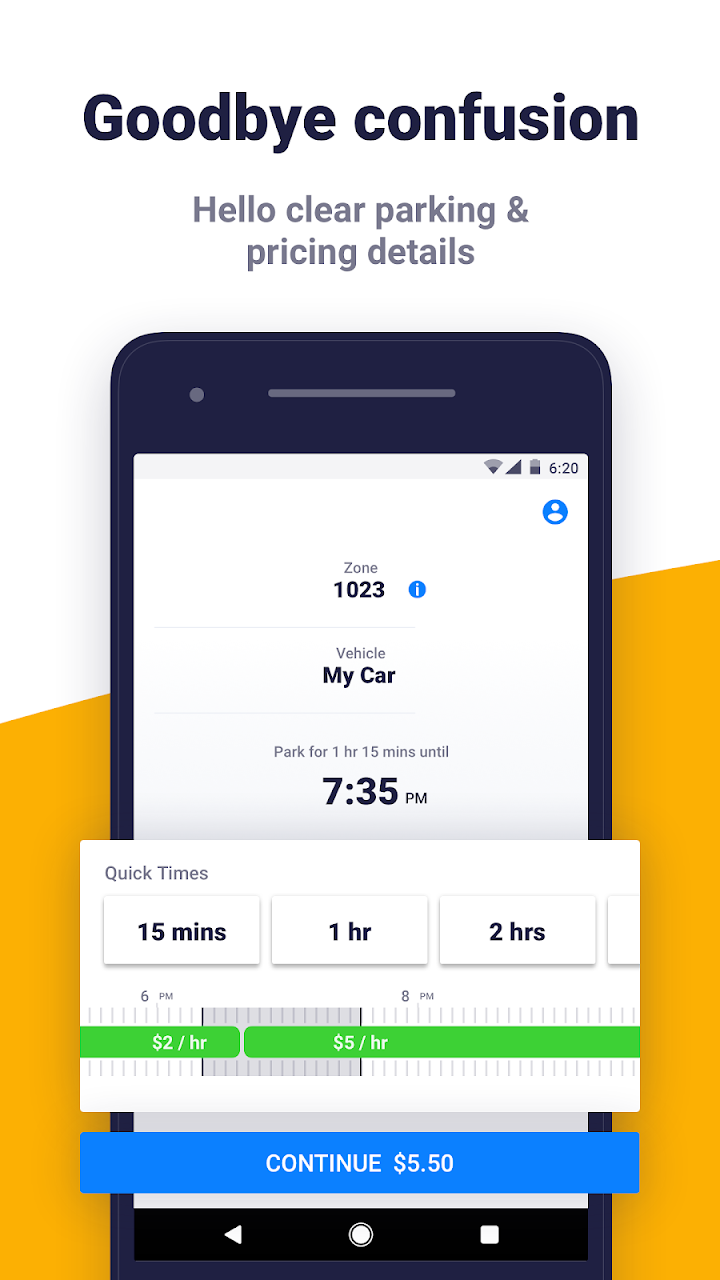
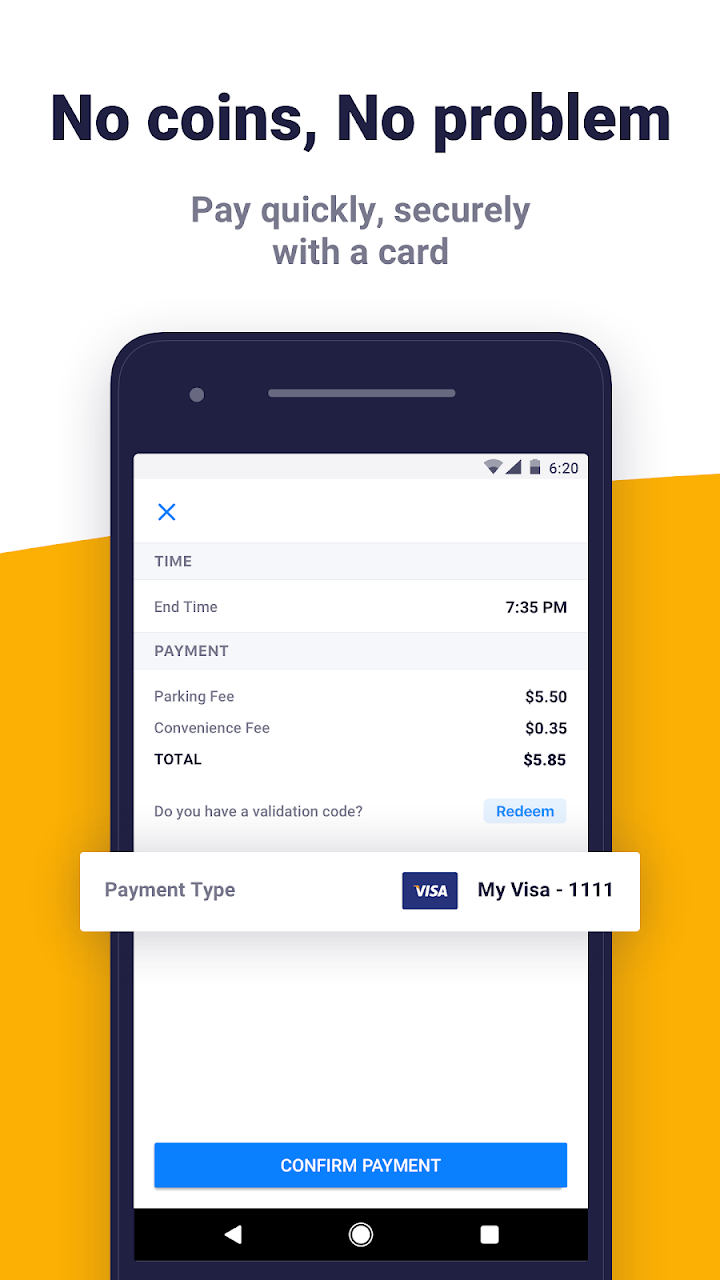
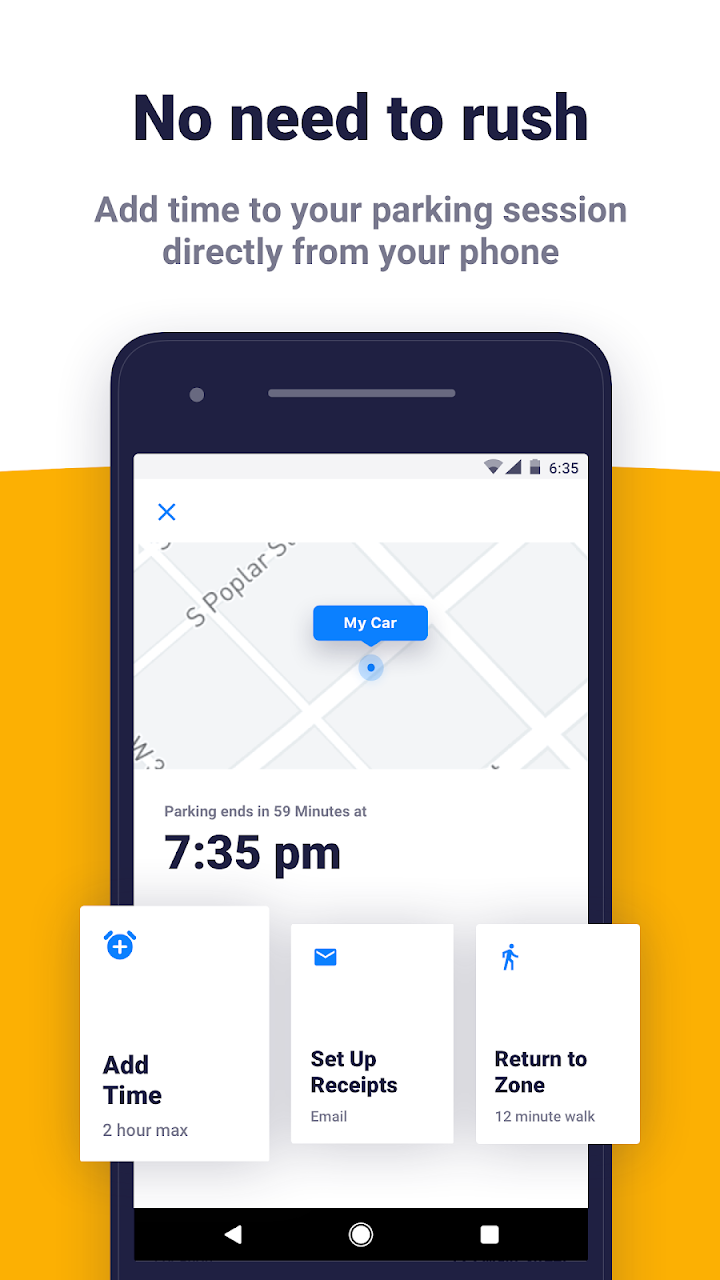
Passport Parking is the retail app of Passport Labs, the Charlotte-based company whose platform processes parking payments, permits, and enforcement for more than 800 cities, universities, and private operators. Rather than reserving a space, you park where Passport signage is posted, enter the zone number, pick a duration, and pay with a stored card; sessions can be extended remotely where the municipality allows it. Coverage skews toward small and mid-sized US communities — places like Salem and Beverly in Massachusetts, Santa Rosa in California, Huntington on Long Island — plus campuses such as Purdue and the University of Nebraska-Lincoln, while larger cities often run Passport-powered but separately branded apps like ParkBoston or ParkDetroit. Two details set it apart: the app displays full rate schedules, including upcoming price changes and free periods, before you commit, and every session generates an email receipt with in-app history for expensing. The app is free, but most cities append a per-transaction convenience fee of roughly $0.25 to $0.40, which can rival the meter rate itself on short stays in low-cost towns. Canadian municipalities are served by a separate Passport Parking Canada app; web and pay-by-text options exist in many zones for phones without the app.
Free · convenience fee per transaction (typically $0.25–$0.40, set by each city)
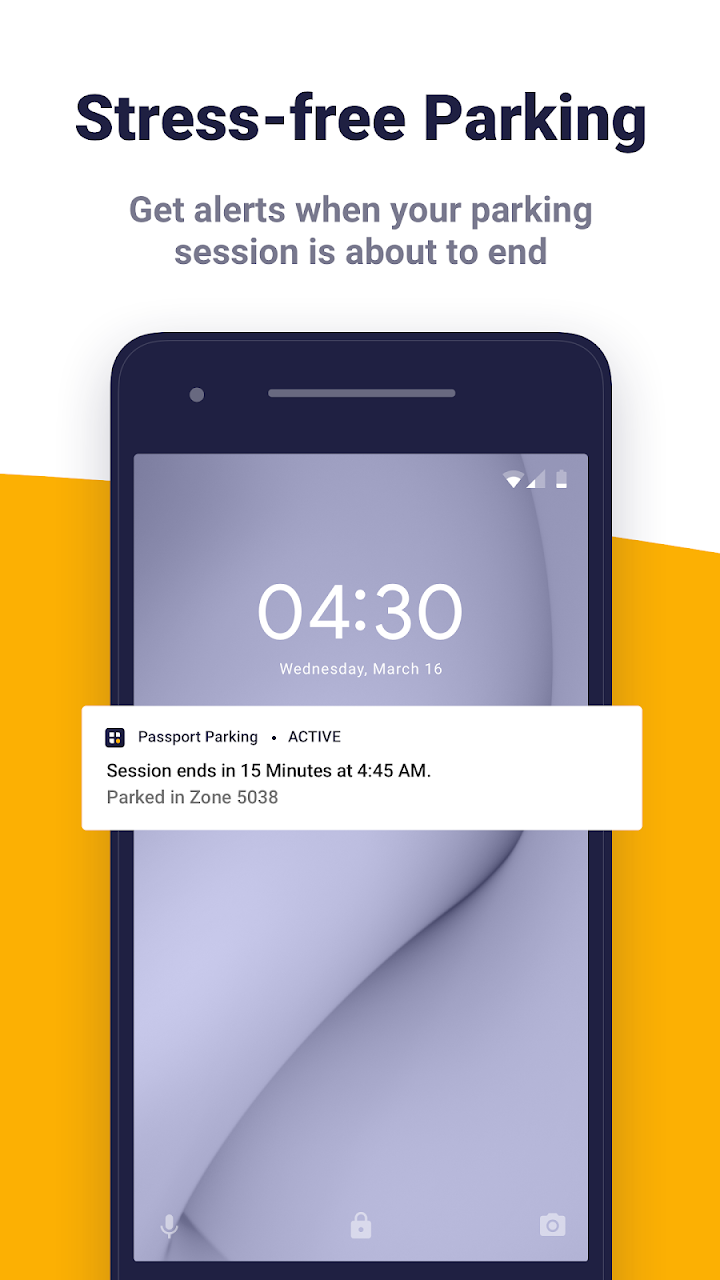
Passport Parking is best understood as the retail face of Passport Labs, the Charlotte company that quietly runs payment rails for over 800 cities, campuses, and operators. Where a city has not commissioned its own branded app, this is the one on the signage — and for the basics it does the job: punch in a zone, pick a duration, extend from your desk when a meeting runs over. Rate transparency is a genuine differentiator; the app shows upcoming price changes and free periods before you commit, which rivals rarely bother with. But the experience has aged poorly next to ParkMobile and PayByPhone. Its Google Play rating sits at a dismal 2.4, with recurring complaints about duplicate charges, late expiry alerts, and login lockouts — failures that matter more in a product whose entire job is preventing tickets. Add a convenience fee that can rival small-town meter rates, and Passport Parking is fine where mandated, but rarely anyone's first choice.
ParkMobile has broader US city coverage overall; use whichever app your specific city has actually contracted with, since coverage rarely overlaps between the two.
PayByPhone is more common in Canadian and UK/European municipalities, while Passport skews toward US mid-size cities and universities; pick based on where you're parking.
SpotHero is for pre-booking off-street garages and lots, not metered street parking, so the two apps serve different use cases and are often used together in the same city.
In hundreds of US municipalities, university campuses, and private lots — examples include Salem and Beverly (MA), Santa Rosa (CA), Huntington (NY), and campuses like Purdue. Look for Passport Parking signage; if the local zone number appears in the app, you are covered.
The app itself is free, but most cities add a convenience fee of roughly $0.25 to $0.40 per transaction on top of the posted parking rate. The exact fee is set locally and shown before you confirm payment.
Yes, where the municipality permits it — you can add time directly from the app up to the posted maximum stay. Some zones cap extensions or disable them entirely.
Those are white-label apps built on the same Passport platform, but they are separate downloads with separate accounts. Use the app named on the local signage; the generic Passport Parking app only works in zones assigned to it.
Not this app — Passport publishes a separate Passport Parking Canada app for Canadian municipalities. The main app covers US locations only.
You'll need to dispute it directly with the city or municipality, not Passport — the app can show your payment history and timestamps as proof, but ticket adjudication is handled by local parking enforcement.
Many cities support validation codes that businesses can issue to customers or employees through Passport's backend, though there isn't a self-serve consumer fleet account within the app itself.
No, starting or extending a session requires an active internet connection; some cities keep a phone-based pay-by-call fallback on the same backend for when the app can't be used.
Passport Labs, Inc. is a Charlotte, North Carolina-based govtech company founded in 2010 that builds mobility and curb-management software for cities and universities across North America. Beyond the consumer parking payment app, Passport offers permitting, enforcement, transit fare, and micromobility management tools to municipal partners. The company has raised venture funding from investors including Grotech Ventures and Relevance Capital, and positions itself as infrastructure for cities to modernize parking and curb operations rather than a single consumer product.
450+ cities — including Chicago, Charlotte, Cincinnati, St. Louis, Columbus, Pittsburgh, Miami Beach, Buffalo.
Independent review. ParkAppsHub is not affiliated with Passport Labs, Inc.. App name, logo and screenshots belong to their owners and are shown for identification and review purposes. Coverage, prices and features change — verify current conditions with the publisher. Last reviewed 2026-08-06.
 SpotHero
 ParkMobile
 PayByPhone
 BestParking